Follow Global Conversations
Choose a region for news and community access. Availability remains subject to each platform’s rules.
For everyday browsing, travel and remote work.
30-day money-back guarantee

Choose a region for news and community access. Availability remains subject to each platform’s rules.
Compare server performance before watching. Video quality and available content depend on your network and platform licensing.
Encrypt traffic between your device and the VPN server. Keep account credentials secure as part of your privacy routine.
Explore locations including the US, Japan, Singapore, Germany, the UK, Australia and Korea. Start with a nearby server, then compare latency and real-world performance.
Ask support about dedicated, static or rotating IP options for remote work and admin access. Confirm available regions and applicable costs before choosing.
No data or speed caps for calls, transfers and browsing. Actual speed depends on the server route and your local connection.
Browsing activity and connection logs are not retained. Our privacy policy explains the account information we do process.
Use an encrypted tunnel on café, hotel and airport networks, alongside system updates and HTTPS websites.

Use an encrypted connection on hotel and airport Wi-Fi to reduce exposure in transit.
Compare server latency before meetings and file transfers to find a route for your current network.
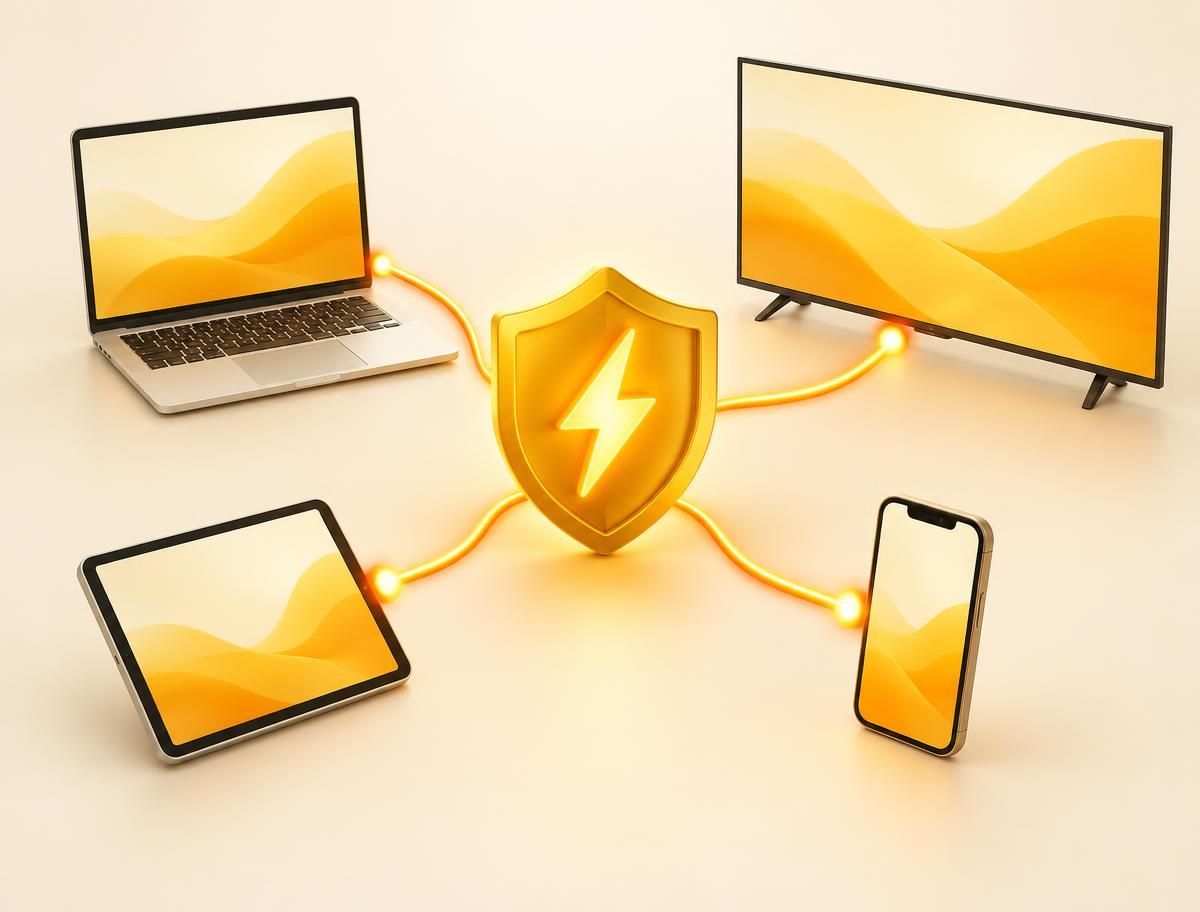
Install the matching app on phones, computers and TVs, then sign in to see available connections.